
 Use Manual Charge to charge a battery using user-selectable parameters including voltage, current, or time.
At any time during the test, tap  to return to the previous screen; or
  to return to the Main Menu.
- Connect the charger clamps to the appropriate battery posts.
- At the Main Menu, tap Manual Charge. The Edit Battery Information screen is displayed.
- Enter the battery information and charging parameters.
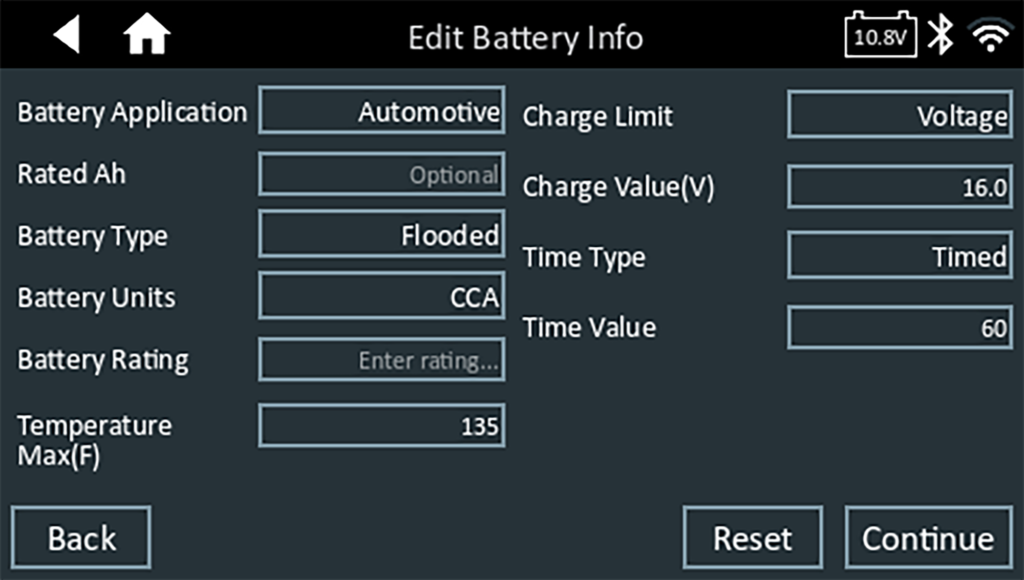
NOTE: See Appendix B for complete parameter descriptions.
If the displayed information is correct, tap Continue to begin the Battery Test. Tap on the corresponding box to edit the parameter information.
The charger goes through a series of steps to determine the overall condition of the battery before applying a charge. Those steps include measuring ambient temperature, Cranking Health, Reserve Capacity, Charge Acceptance, and applying a Load Test on the battery.
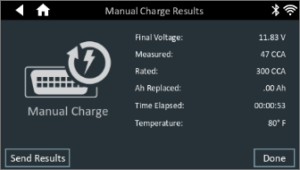
The test results are displayed on the charger screen.
To send the test to a configured printer or via email, tap Send Results and select an option. To return to the Home Screen, tap Done or to return to the Main Menu.